At this point, it is well-documented that I’m going slocial.
Less doomscrolling, more real life experiences, etc.
But in addition to this, I’m pulling back on cloud services too. Waaay too many shenanigans these days to just let my personal data sit willy-nilly in some data center that I have to pay for monthly. Those costs add up.
So that changes today.
I’m starting the painful process of moving 350gb worth of data from my iCloud account to an external hard drive. And woo boy is there a slight learning curve.
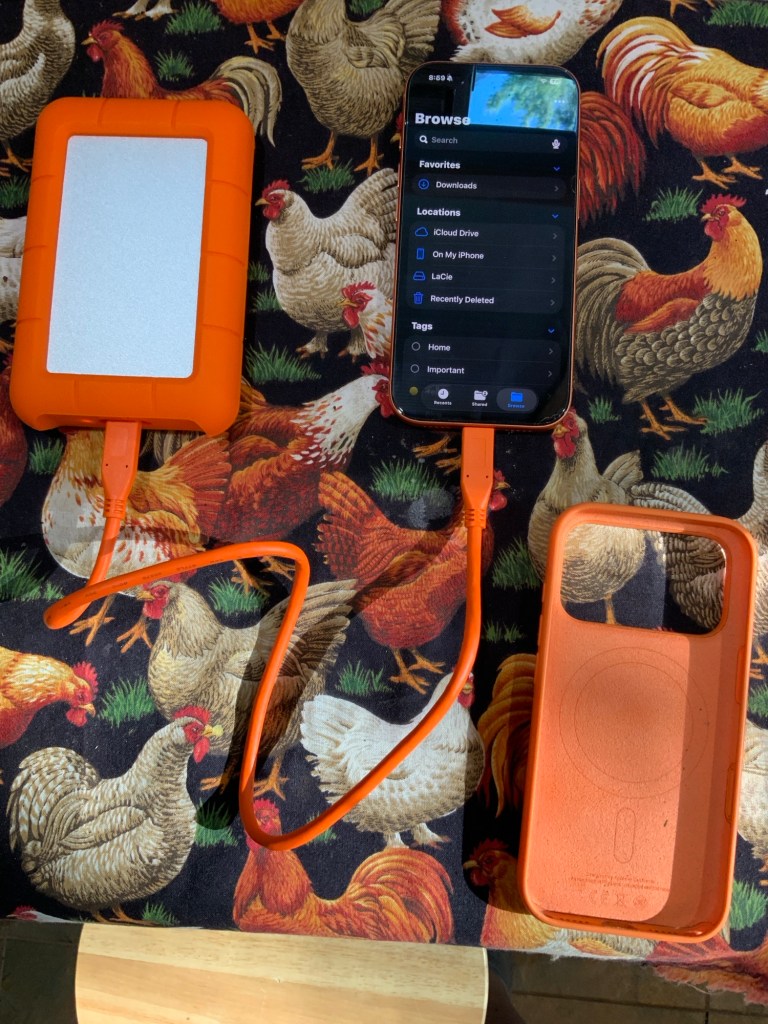
I started off by buying a 5TB HDD Seagate Rugged LaCie external hard drive, as it is 1) rugged enough to withstand daily abuse by me and 2) it is marketed as being able to plug and play with my iPhone and iPad, thus iCloud as well.
After using it for a day or two, I can honestly say that it is indeed rugged as I’ve already dropped it a few times, but the plug and play with Apple devices depends entirely on how much stuff you’re moving and where are you moving it from.
You want to move a few photos and files for backup directly from the device? Sure, it’ll do that.
But do you want to backup 350gb of data including over 40,000 photos from iCloud to the drive? Yeah fuck you buddy. You’re gonna have to jump through some flaming hoops to get out of that ecosystem.
Initially, I thought the whole process would either be as difficult as having to figure out a system to download each month/years/whatever of photos to my PC, then move them to the external hard drive from there. Or it would surprise me and be as totally seamless and easy as plugging it in and it just working.
And Apple’s documentation states that you can just plug it in and download directly from the iCloud in a few steps.
So which way is it?
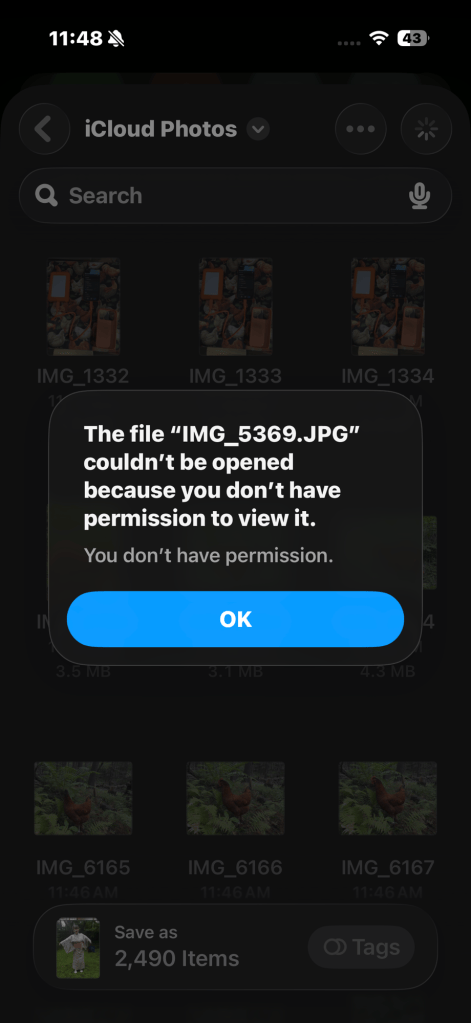
Turns out neither, kinda. I tried the Apple way a few times and I got an error message stating that I didn’t have permission to view my own photos, so I could not transfer to my hard drive directly. It also was frustrating trying to finagle with the iCloud app for Windows PC and getting my photos and data out that way.
So what did I end up doing?
Ye Olde Data request baby.
Most online services must have a way to request a copy of ALL your data that they have stored. Facebook, Instagram, you name it they all have ways to request copies of your data via their privacy policies.
So I have made a request to Apple for my 350gb of data to be sent to me in 25gb chunks, so 14 chunks in total. Is it painless? No. But is it easier and neater than wasting hours of my time trying to figure out how to most efficiently move all that data? Yes. yes it is.
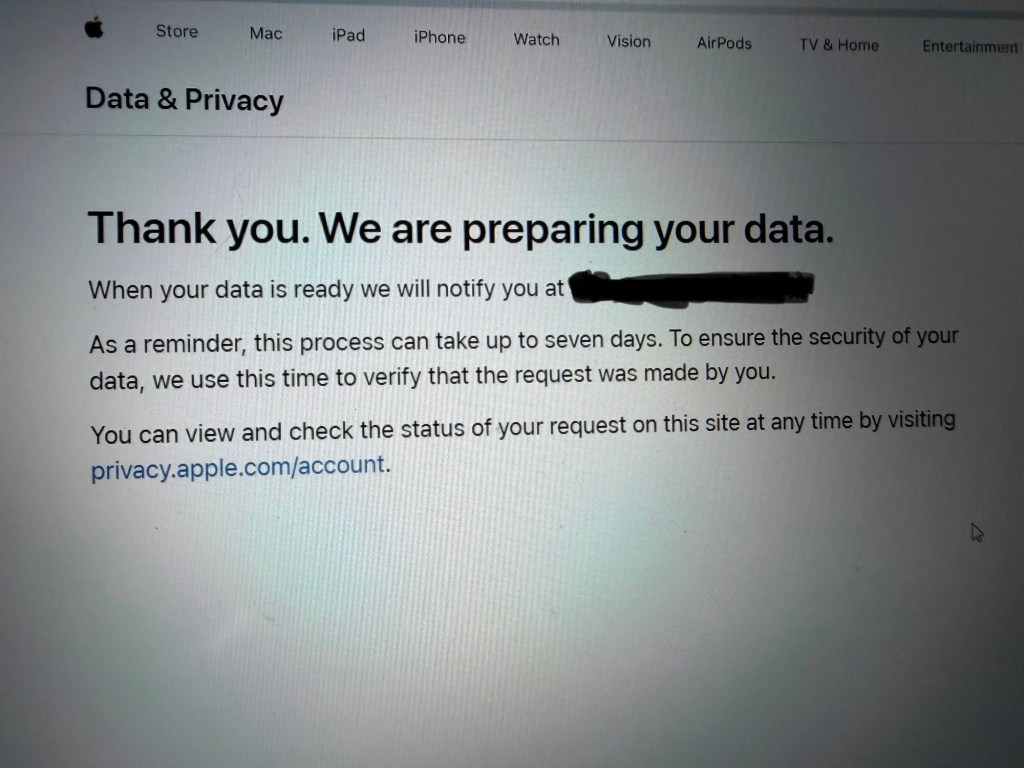
So now we wait for the delivery of the data.


Leave a Reply